Team Snapdm
Read 5 Min
Instagram Automation
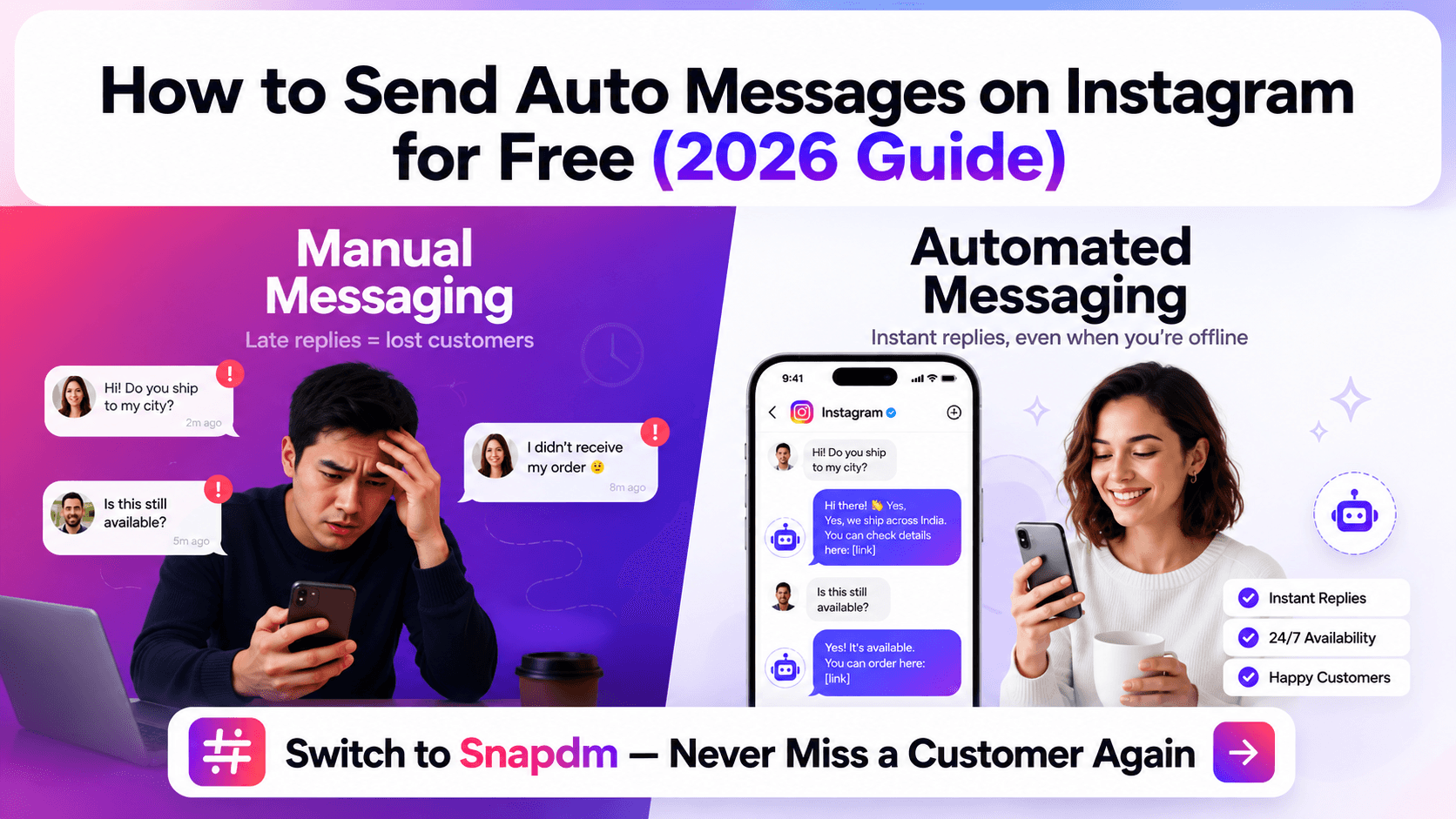
That’s where Instagram auto messaging comes in. It allows you to automatically respond to common questions, comments, and customer requests while you focus on more important conversations.
What Is Instagram Auto Messaging?
Instagram auto messaging means using automation to send a response when someone performs a specific action.
For example, someone might:
Send you a DM
Comment a keyword on your post
Reply to your Story
Ask for a product link
Request pricing or information
Instead of manually replying every time, an automated workflow can send the right response instantly.
Why Use Instagram Automation?
When your Instagram starts getting more engagement, repetitive messages can become difficult to manage.
Automation can help you:
Respond to customers faster
Reduce repetitive manual work
Avoid missing important inquiries
Share links and information automatically
Follow up with potential customers
Manage more conversations as your business grows
For example, if someone comments “PRICE” on your Reel, an automation can automatically send them a DM with your pricing or product details.
What Can You Automate?
1. Comment-to-DM
Someone comments a specific keyword such as “LINK”, and they automatically receive a DM with the requested link.
2. Keyword Automation
Create different responses for keywords such as:
PRICE → Send pricing
DEMO → Send demo link
GUIDE → Send your guide
COURSE → Send course details
3. Story Replies
You can create automated responses when people reply to your Instagram Stories with specific words or questions.
4. Automated Follow-Ups
If someone shows interest but doesn't continue the conversation, you can create follow-up messages to keep the conversation moving.
How to Set Up Auto Messages on Instagram
The basic process is simple:
Step 1: Connect your Instagram account to an automation platform.
Step 2: Choose a trigger, such as a DM, comment, Story reply, or keyword.
Step 3: Create the message you want to send.
Step 4: Add buttons, links, or additional questions if needed.
Step 5: Turn on the automation and test the workflow.
For example:
Customer comments: LINK
↓
Automation sends DM:
“Hey! 👋 Thanks for your interest. Here's the link you requested.”
This removes the need to manually send the same message to every person.
Can You Do This for Free?
Some Instagram automation features may be available through Instagram itself, while more advanced workflows are typically provided by third-party automation platforms. Free plans may also have limitations depending on the platform and features you need.
Before choosing a tool, check what automation features, message limits, integrations, and support are included.
Why Use SnapDM?
SnapDM helps businesses and creators automate their Instagram conversations without having to manually manage every repetitive interaction.
You can create automations for:
DMs
Comments
Story replies
Keywords
Lead capture
Follow-ups
Instead of spending your time answering the same questions again and again, let automation handle the repetitive conversations while you focus on customers who need a personal response.
Final Thoughts
Instagram automation isn't about replacing real conversations. It's about handling the repetitive parts automatically so you can respond faster and spend more time on conversations that actually matter.
Start with a few common questions, create simple automated responses, and gradually build your Instagram workflow as your business grows.
Switch to SnapDM — and never miss a customer conversation again.